Keep readings together
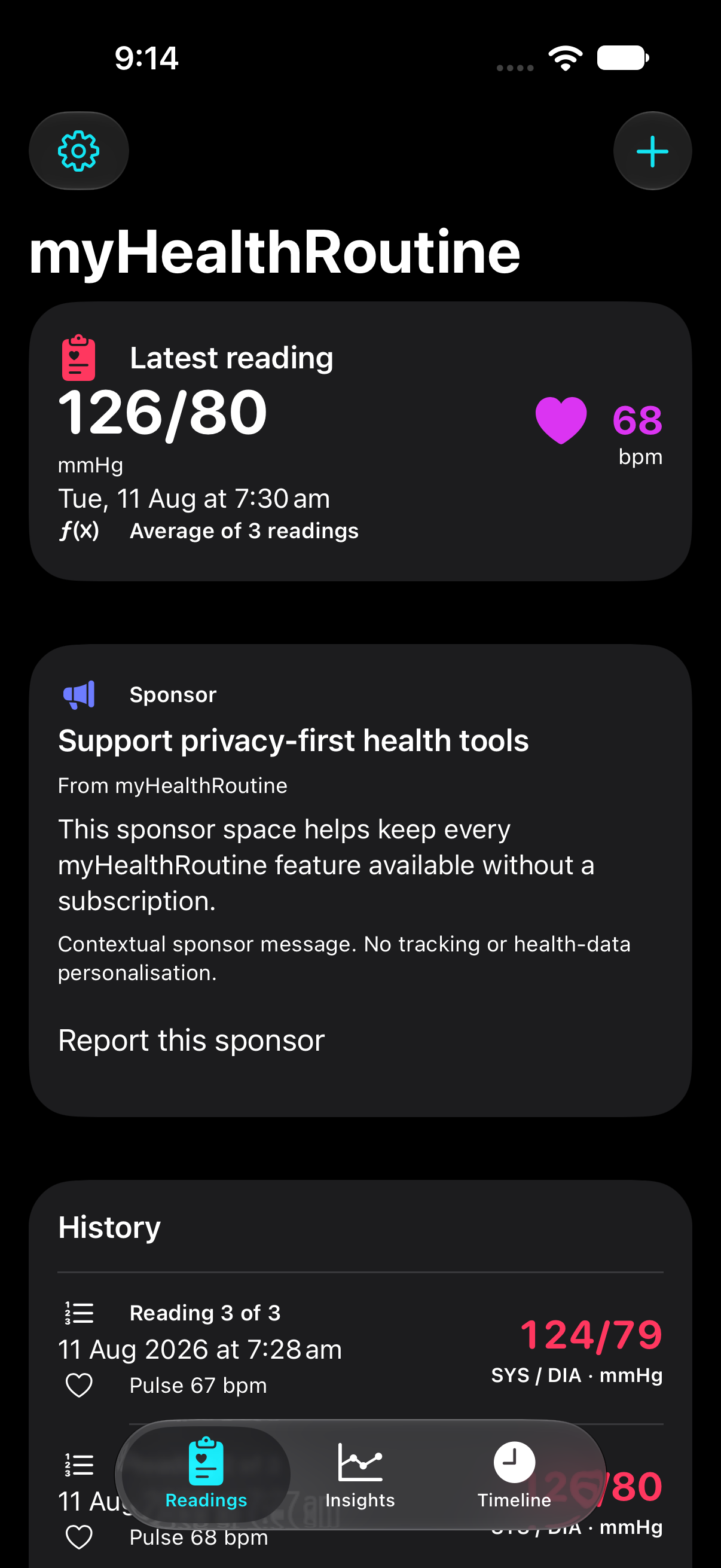
Record one reading or a three-reading session. All three readings stay in History, with the average shown in the Timeline.
 myHealthRoutineView on App Store
Your health journal, built around everyday life
Bring your readings, medications, symptoms and everyday events together. Look back, notice patterns and take a clearer record to your next healthcare conversation.
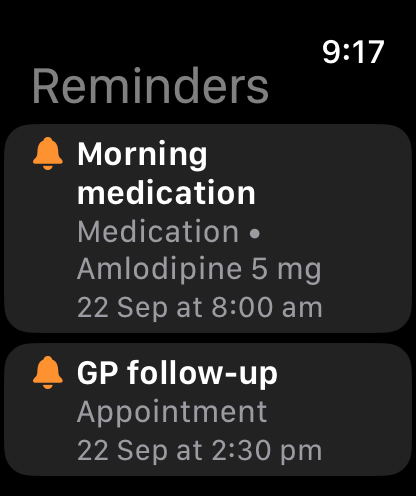
For iPhone, iPad and Mac, with an Apple Watch reminder companion. Check the App Store for your platform and region.
Record. Reflect. Discuss.
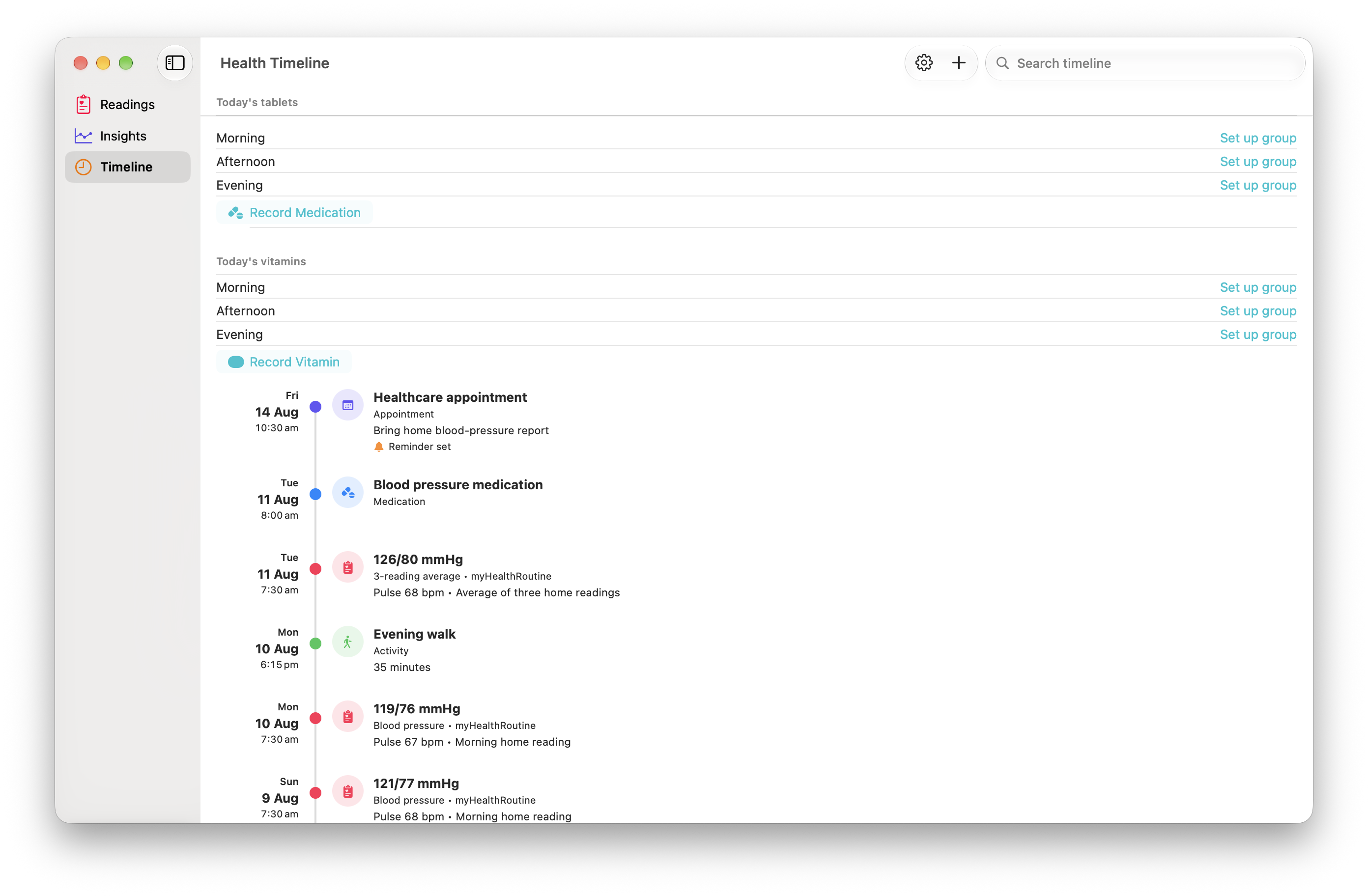
Keep readings, medications, vitamins, symptoms, stress moments, appointments, activity, meals, sleep and notes together by date. Reflect on the routines you want to maintain or change, and prepare questions for your healthcare professional.
Record one reading or a three-reading session. All three readings stay in History, with the average shown in the Timeline.
Review blood-pressure and pulse history next to health context recorded on the same dates, without claiming one caused the other.
Record a single medication or vitamin, or review a morning, afternoon or evening group before saving.
Keep medications, symptoms, stress moments, appointments, activity, meals, sleep and notes in one searchable journal.
Date-aligned trends
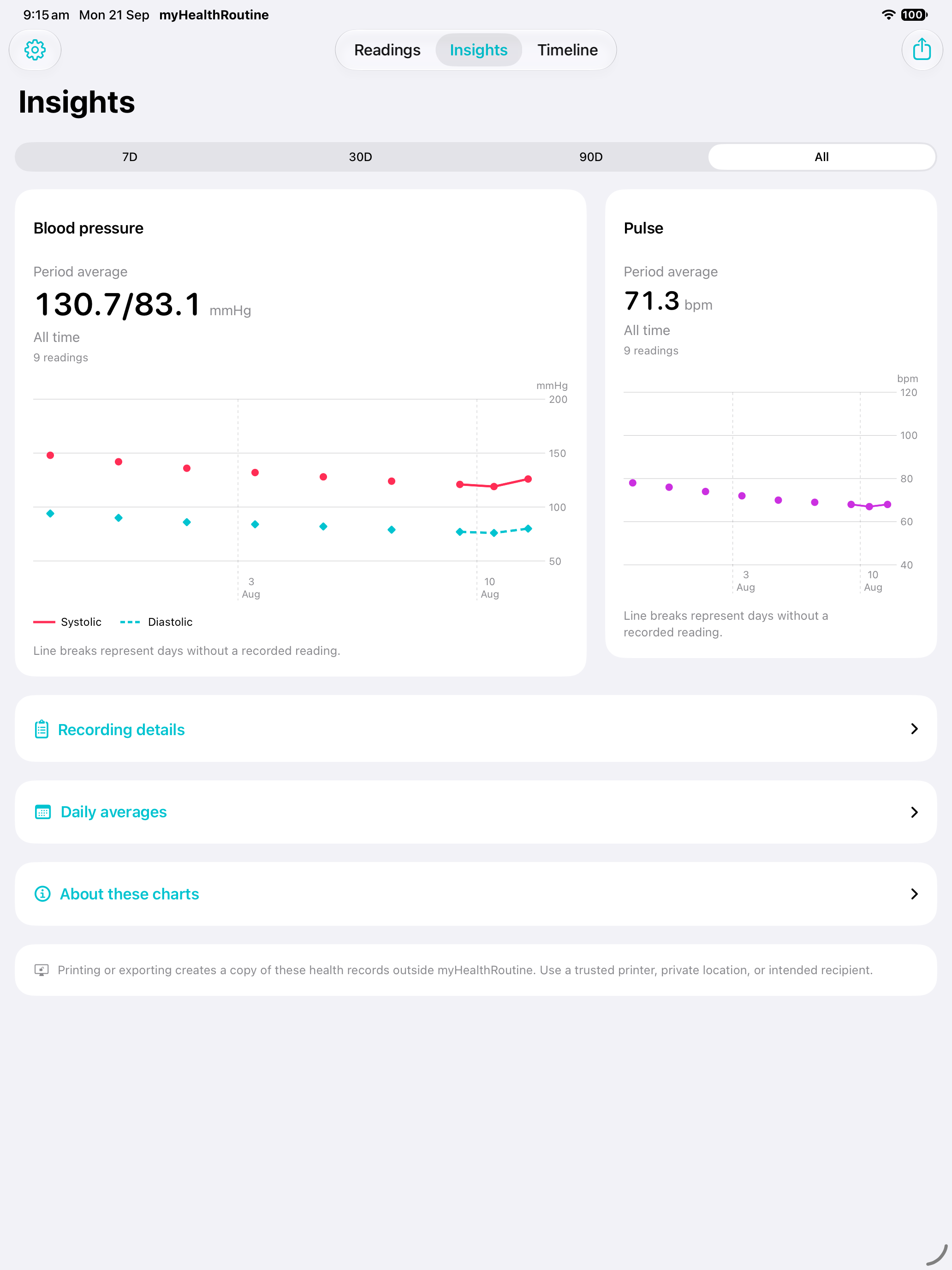
Review 7-, 30- and 90-day or all-time averages and daily charts, then use the Timeline to see the context recorded around those dates. myHealthRoutine helps you notice patterns; it does not decide what caused a change or provide treatment advice.
One timeline, clear sources
myHealthRoutine labels each source so you can see where a piece of context came from. It does not combine the data into a diagnosis, prediction or treatment recommendation.
Record medications, symptoms, appointments and notes, then review them alongside readings from the same period.
Stored as part of your personal myHealthRoutine record.Keep daily planning in myDailyTasks and your health journal in myHealthRoutine. Companion workflows connect selected checks and meal plans in compatible versions.
See connection details and availability. Your general task list is not imported.With permission, the Timeline can show workouts, daily steps, sleep stages, State of Mind entries and Apple Watch high-heart-rate events around the same dates as your readings.
This context remains in Apple Health and is not copied into myHealthRoutine local records.Coming next · 1.0.2 preview
Today, food and intake bring a wider view of your everyday routine. These features are implemented in the upcoming version and are not yet confirmed on the public App Store.
A single home for readings, tablet and vitamin groups, food, intake and permitted Apple Health context. Hide or reorder areas to suit what you track.
Search 5,432 foods in the bundled USDA catalogue, choose a food-specific portion or gram weight, and save a nutrient snapshot with your entry.
Quickly record preset or custom amounts and review neutral daily totals in Insights. Include intake in a provider report or export it separately as CSV.
Plan a meal in myDailyTasks and get a local reminder to record what you ate in myHealthRoutine. A recorded or completed meal need not prompt again.
Ad-supported access
Longer-term views, provider reports, exports and up to 12 reminders are included. Clearly labelled contextual sponsorship supports the app without health-data targeting.
See included accessUnlimited readings, every Insights period, reports, CSV export, and up to 12 active reminders.
No health-data targeting, sponsor identifiers, impression analytics, click analytics, or user profiling.
Previously myBPHealth
The name reflects the wider journal: readings, medications, vitamins, symptoms, everyday events and routines. Blood pressure remains part of the app. The legal operator remains Cyber AI Insights Pty Ltd.
No app-data transfer is required to visit the new website. mybphealth.app website links redirect to myhealthroutine.app. This website migration does not access or move records stored inside your installed app.
App records remain managed by your installed app on that device. The full journal is not an iCloud backup. This website change is not a guarantee that records can be restored after deleting the app, replacing a device or installing a different build. Before making those changes, review the exports available in your version and contact support if you need help. An exported report or CSV is a separate copy, not a promise of full app restore.
Use the verified myHealthRoutine App Store listing, Support or Privacy policy. The established email address is still support@mybphealth.app. Check What’s new to distinguish the released app from upcoming features.
Your choices stay visible
myHealthRoutine keeps its app history in private storage on the device. It does not sync those records through iCloud, and the private store is excluded from device backups. Apple Health connection is optional on supported iPhone and iPad devices: you can store supported blood-pressure and pulse measurements there, while context displayed from Apple Health remains in Apple Health. Newer companion workflow receipts are separate from the journal; their limited sharing is explained in the privacy policy.